What Is an ATS and Why Does It Matter for Your Resume?
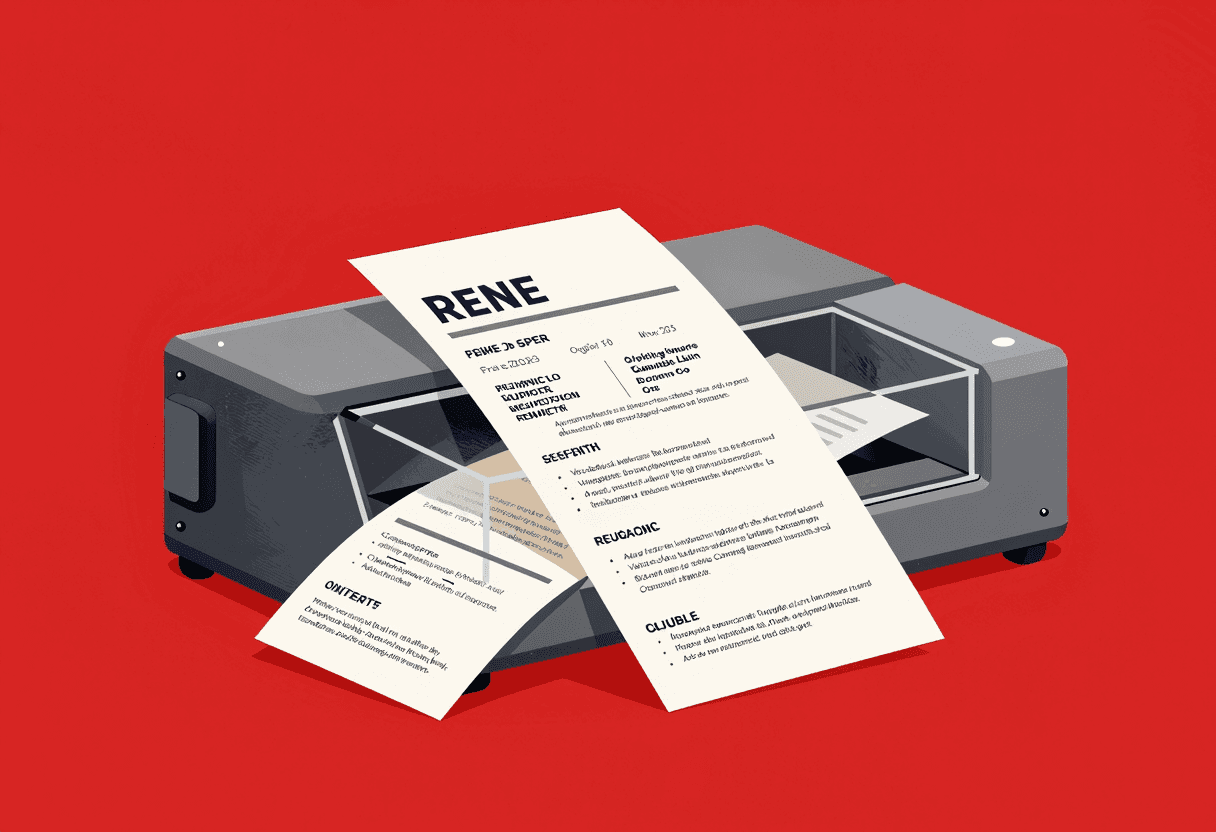
What an ATS Actually Is (The Boring Truth)
An Applicant Tracking System is database software that companies use to manage job applications. That's it. When you apply online, your resume gets uploaded into this system, parsed into fields like name, email, work history, and skills, then stored in a searchable database alongside every other application for that role.
The major players are Workday, Greenhouse, Lever, Taleo, and iCIMS. If you've applied to a corporate job in the past decade, you've encountered one. According to a Jobscan analysis, over 99% of Fortune 500 companies use an ATS, and the technology has filtered down to companies with as few as 50 employees.
Here's what happens after you hit submit. The ATS attempts to extract information from your resume file. It pulls your contact details, job titles, company names, dates, education, and any keywords it recognizes. This parsed data populates a candidate profile that recruiters can view, search, and filter. The original resume file also gets stored, usually as a PDF or Word document that a human can download and read.
That's the whole process. No AI overlord. No secret algorithm rejecting you for using the wrong font. Just a parsing engine trying to turn your document into structured data, and a search interface that lets recruiters find candidates who match what they're looking for.
What an ATS Does NOT Do (Popular Myths, Debunked)
The internet is full of ATS horror stories, most of them wrong. Let me kill the biggest myths I hear candidates repeat.
Myth: The ATS automatically rejects your resume
False. Most ATS platforms don't auto-reject anything. They parse, store, and rank. A human recruiter still decides who moves forward. Yes, some companies set up knockout questions in the application form—answer wrong and you're out—but that's the company's choice, not the software's default behavior. The ATS itself is neutral.
Myth: You need to match 80% of keywords to get through
Also false. There's no universal threshold. Some recruiters search for three must-have skills. Others scan the full resume manually without running a keyword search at all. The idea that you need to hit some magic percentage comes from resume optimization services trying to sell you something. Keyword relevance matters, but there's no scoring system spitting out a pass/fail grade.
Myth: Creative formatting kills your chances
Partially true, but overblown. Modern ATS software handles most formatting just fine. The problem isn't that you used two columns or added a splash of color. The problem is when your creative choices make the document unparseable—text boxes, images containing text, headers and footers with critical information, or tables that break the reading order. A clean two-column layout with standard fonts? Usually fine. A Canva template with your work history trapped inside a graphic? That's where you run into trouble.
How Recruiters Actually Use the ATS
I've sat in front of these systems for thousands of hours. Here's my typical workflow when a new batch of applications comes in.
First, I open the requisition and see how many people applied. For a decent corporate role, that's usually 200-400 resumes within the first week. I'm not reading all of them. No one is. I start with filters: years of experience, education level if it's required, location if the role isn't remote. That might cut the pool to 100.
Then I run a keyword search. Not for every single skill in the job description, but for the two or three that actually matter. If I'm hiring a data analyst, I'm searching for SQL, Python, and maybe Tableau. The ATS shows me everyone who has those terms anywhere in their profile. I sort by relevance or recency and start reviewing.
Here's the part candidates miss: I'm looking at two things simultaneously. The parsed profile view shows me the structured data—quick scan of titles, companies, education. But I also open the actual resume PDF to see the full context. If the parsed view looks promising but the actual resume is a formatting disaster or doesn't tell a coherent story, that candidate drops out. If the parsed view is incomplete but the resume itself is strong, they stay in.
The ATS is a filtering tool, not a decision maker. My decisions happen when I read your actual resume. Which is why understanding what gets filtered out matters more than gaming some imaginary algorithm.
What Actually Gets Your Resume Filtered Out
Let's get specific. These are the real reasons resumes don't make it past the initial screen.
1. Unparseable formatting breaks the data extraction
If the ATS can't pull your work history into structured fields, your profile looks incomplete. I search for candidates with 5+ years of experience, and your resume shows zero years because the system couldn't parse your dates. You're filtered out before I ever see your actual document.
Common culprits:
- Text boxes and images. The parser skips them entirely.
- Headers and footers containing job titles or contact info. Many systems ignore these sections.
- Tables with merged cells or complex structures that scramble the reading order.
- Unusual date formats like 'Spring 2024' or 'Q1 2025' that the system doesn't recognize as dates.
- Graphics, charts, or icons where actual text should be.
2. Missing or mismatched keywords for the role
If the job requires Salesforce experience and that word appears nowhere in your resume, you won't show up in my search. This isn't about stuffing every possible synonym into a hidden white-text block. It's about using the actual terms that describe your work.
Bad example: 'Managed customer relationships using a cloud-based CRM platform.' Good example: 'Managed customer relationships in Salesforce, building custom reports and automating lead assignment workflows.' The second version gives the ATS something to latch onto and gives me, the recruiter, actual substance.
3. Lack of clear job titles and company names
The ATS looks for patterns. It expects to see 'Job Title | Company Name | Dates' in some recognizable format. If you bury your title in a paragraph or use unconventional labels, the parser struggles.
I've seen resumes where someone listed 'Professional Experience' as a heading, then wrote a narrative paragraph describing their career without clear delineation between roles. The ATS pulled nothing useful. The recruiter moved on.
4. File type issues
Most ATS platforms handle PDF and Word documents well, but not equally. PDFs preserve formatting better for human readers, but some older systems parse Word documents more accurately. Unless the job posting specifies a format, PDF is usually the safer choice in 2026. Just make sure it's a text-based PDF, not a scanned image.
Concrete Examples: Bad vs. Good Formatting
Let me show you exactly what breaks and what works.
Bad: Text box with contact information
You put your name, email, and phone number inside a text box at the top of your resume because it looked clean. The ATS skips text boxes. Your profile now has no contact information. I can't reach you even if I want to.
Good: Plain text at the top of the document, outside any special formatting containers. Name on one line, email and phone on the next, LinkedIn URL if you want. Simple. Parseable.
Bad: Job title in a header
You used the header section to list your current title: 'Senior Marketing Manager | Acme Corp.' The ATS ignores headers. Your profile shows no current employment.
Good: Job title in the body of the document, formatted clearly. 'Senior Marketing Manager, Acme Corp, June 2023 – Present' on its own line, followed by bullet points describing your work.
Bad: Skills in a graphic
You created a visual chart showing proficiency levels for different skills—bars, circles, percentages. Looks great. The ATS extracts zero skills because it's all images.
Good: A simple 'Skills' section with actual text. 'Python, SQL, Tableau, Excel, R, machine learning, data visualization.' Boring, effective, searchable. If you want more detail on how to format this properly, I've written a full breakdown.
Bad: Unconventional section headings
You labeled your work history 'My Journey' or 'Career Highlights' instead of 'Work Experience' or 'Professional Experience.' The ATS doesn't know where to look for job history. It might skip the section entirely.
Good: Standard headings. Work Experience. Education. Skills. The ATS is trained to recognize these. Don't get creative with labels.
How to Make Your Resume ATS Friendly (Without Sacrificing Readability)
Here's the move: optimize for the ATS parse without making your resume ugly or robotic for human readers. You can do both.
- Use a clean, single-column layout for critical information. You can add a sidebar for supplementary details, but keep your work history, education, and skills in the main column where parsing engines expect to find them.
- Stick to standard fonts. Arial, Calibri, Garamond, Georgia, Times New Roman. These render consistently across systems. Decorative or custom fonts might not display correctly in the ATS interface.
- Use conventional section headings. Work Experience, Education, Skills, Certifications. The parser looks for these terms. Creativity here works against you.
- Format dates consistently. Month Year or MM/YYYY. Pick one and use it everywhere. 'Jan 2023 – Present' works. 'Winter 2023' does not.
- Include keywords naturally in context. Don't just list skills. Show where you used them. 'Built ETL pipelines in Python to process 2M daily transactions' beats 'Python' in a skills list, and it gives the ATS multiple chances to catch the keyword.
- Avoid headers, footers, text boxes, and tables for essential information. Use these for decoration if you must, but never for your name, contact details, job titles, or dates.
- Save as a text-based PDF unless instructed otherwise. Check that you can select and copy text from the PDF. If you can't, it's an image, and the ATS can't parse it.
If you're making a career change and worried about keywords, focus on transferable skills and use the language of your target industry. The ATS doesn't care about your narrative—it cares about matching terms. Your job is to make those terms appear in relevant context.
Testing Your Resume for ATS Compatibility
You can check how well your resume parses before you submit it anywhere. Here's how.
First, copy all the text from your resume and paste it into a plain text editor like Notepad. Does it come out in the right order? Are your job titles, companies, and dates intact? If the text is scrambled or missing chunks, the ATS will struggle too.
Second, upload your resume to a free ATS simulator. Tools like Jobscan or Resume Worded will show you how an ATS parses your document. You'll see which sections it recognized, which keywords it extracted, and where it failed. These aren't perfect replicas of every ATS, but they give you a decent preview.
Third, use an ATS resume builder designed to output clean, parseable formats by default. These tools apply the formatting rules I've described here automatically, so you don't have to second-guess every design choice.
Finally, apply to a job at a company that sends an auto-confirmation email with a link to view your candidate profile. Log in and look at how your information displays. If your work history is blank or your skills didn't populate, you've got a formatting problem.
When ATS Optimization Doesn't Matter
Not every application goes through an ATS. Small companies, startups, and some nonprofits still accept resumes via email and review them manually. If you're applying directly to a founder or hiring manager, you can ignore most of this advice and optimize purely for human readability.
Networking referrals also bypass some of the ATS filtering. If someone internally recommends you, a recruiter will pull your resume directly and review it regardless of how it parsed. The system still stores your information, but you're not competing in a keyword search with 300 other applicants.
That said, even in these scenarios, clean formatting helps. A resume that's easy to scan benefits you whether a human or a machine reads it first. And if you're applying to multiple roles, having one ATS-friendly version as your default saves you from reformatting every time you hit a corporate application portal.
The Bottom Line on ATS Systems
An ATS is not your enemy. It's a tool recruiters use to manage volume. The software itself doesn't reject you—it just makes you searchable. Your resume gets filtered out when the parsed data is incomplete, when critical keywords are missing, or when your formatting breaks the extraction process.
The fix is straightforward: use clean, text-based formatting with standard section headings, include relevant keywords in context, and avoid design elements that can't be parsed. You don't need to sacrifice readability or personality. You just need to make sure the information a recruiter searches for actually shows up in the system.
The ATS gets you into the room. Your resume content gets you the interview. Don't optimize one at the expense of the other.
Most candidates overthink this. They obsess about keyword density and worry that one formatting choice will torpedo their chances. The reality is simpler. Make your resume parseable, include the skills and experience the role requires, and write clearly. That's enough to get past the ATS and in front of a human who can actually hire you.
Build an ATS-friendly resume in minutes with our free resume builder.
Learn moreFrequently asked questions
What is an ATS in job applications?+
An ATS (Applicant Tracking System) is database software that companies use to collect, parse, and manage job applications. It extracts information from your resume into searchable fields so recruiters can filter and find candidates who match their requirements.
How do I get past the ATS?+
Use clean, text-based formatting with standard section headings. Include relevant keywords from the job description in context, not just listed. Avoid text boxes, images, headers/footers for critical info, and complex tables. Save as a text-based PDF unless instructed otherwise.
Does my resume need to be ATS friendly?+
If you're applying to corporate jobs through online portals, yes. Over 99% of Fortune 500 companies use an ATS. If your resume can't be parsed correctly, your profile appears incomplete and you get filtered out before a recruiter sees your actual document.
What resume format is best for ATS?+
A single-column, reverse-chronological format with standard section headings (Work Experience, Education, Skills). Use common fonts, consistent date formatting, and avoid graphics or text boxes. Save as a text-based PDF for best results in 2026.
Can ATS read PDF resumes?+
Yes, modern ATS platforms handle text-based PDFs well. Make sure your PDF contains selectable text, not a scanned image. If you can copy and paste text from your PDF, the ATS can parse it.
Do keywords really matter for ATS?+
Yes, but not the way most people think. Recruiters search for specific skills and qualifications. If those terms don't appear in your resume, you won't show up in their search results. Use keywords naturally in context rather than stuffing them into a list.
Written by
Jordan MitchellRecruiting Insider
Former corporate recruiter. 10,000+ resumes screened, 3,000+ interviews conducted.