Resume Builders That Are Free to Build and Download From
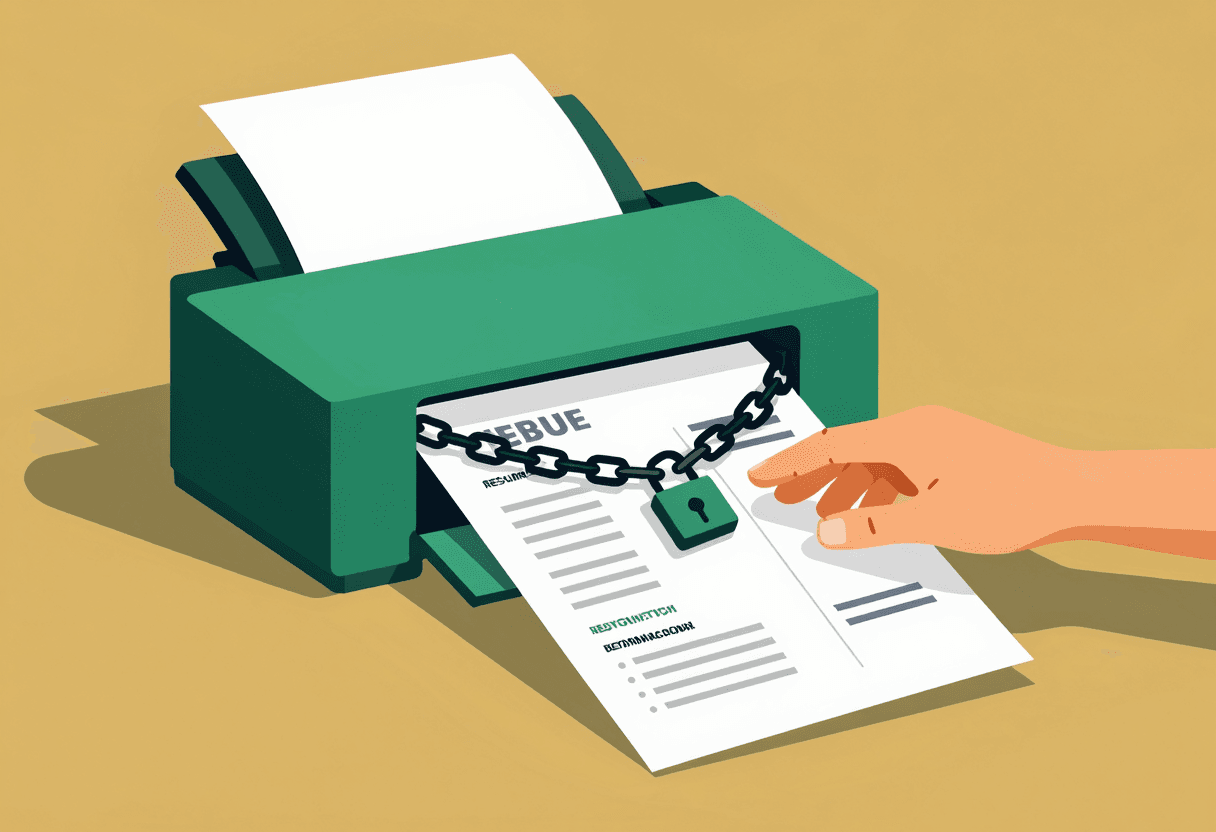
The Download Paywall Trap
Full disclosure: I work for Top Candidate, and yes, we're going to recommend our own resume builder in this post. But here's why I'm writing this anyway—the download paywall is the sleaziest pattern in the resume builder industry, and someone needs to call it out clearly.
The scam works like this: you spend 45 minutes building your resume. The interface is clean, the templates look professional, everything feels free. Then you click Download and boom—$29.99/month subscription wall. You can't export a PDF. You can't get a Word file. You can't even copy-paste the text without losing all formatting. Your work is held hostage unless you subscribe.
I've watched this play out in user testing dozens of times. Someone builds their entire resume, gets to the download screen, sees the price, and their face just falls. They close the tab. They start over somewhere else. They waste another hour. It's deliberately exploitative, banking on sunk cost fallacy to convert you.
So this post exists to save you that hour. I tested 12 popular resume builders to find which ones actually let you download for free—no trials, no credit cards, no bait-and-switch. Some are legitimately free. Some charge but are honest about it upfront. And yes, I'll explain why our builder is different, because it genuinely is.
Actually Free: Top Candidate
Starting with ours because I promised transparency. Top Candidate lets you build and download unlimited resumes in PDF and DOCX formats without creating an account, entering payment info, or hitting any paywalls. Ever. It's genuinely free.
Why we built it this way: I spent eight years recruiting and reviewed over 10,000 resumes. The biggest problem wasn't that candidates lacked experience—it was that their resumes were formatted terribly, failed ATS parsing, or buried their accomplishments under walls of job description copy. Most people don't need career coaching. They need a tool that won't let them make formatting mistakes.
Our builder enforces ATS-friendly formatting automatically. Single-column layouts only. No tables, text boxes, or images that break parsing. Standard fonts. Proper heading hierarchy. You physically cannot create a resume that will get rejected by applicant tracking systems for technical reasons.
The AI assistance is optional but useful—it suggests stronger action verbs, quantifies vague statements, and rewrites passive voice. You can accept suggestions or ignore them. The resume is yours. When you're done, click Download and get both formats instantly. No signup. No paywall. No trial that expires.
Average time from blank page to finished resume: 23 minutes in our testing. Compare that to the 90+ minutes most people spend fighting formatting in Word or Google Docs. And unlike those options, you won't accidentally create an ATS-hostile resume that gets auto-rejected before a human sees it.
Other Legitimately Free Options
These platforms actually deliver on the 'free download' promise. I'm describing them fairly because they solve real needs, even if I think ours is better for most people.
Google Docs Resume Templates
Google Docs offers a handful of built-in resume templates under File > New > From Template Gallery. They're basic but functional. You can download as PDF or DOCX without restriction. The formatting is generally ATS-safe if you don't get creative with modifications.
The downside: you're working in a word processor, not a purpose-built resume tool. There's no guidance on content, no AI assistance, and it's easy to break ATS compatibility by adding a table or text box. You need to know what you're doing. For someone with formatting experience who just needs a clean template, it works fine. For most people, it's a minefield.
Canva (with caveats)
Canva's free tier lets you download resume designs as PDFs. The templates are gorgeous—genuinely the best-looking options available for free. The interface is intuitive. The problem is ATS compatibility.
Most Canva templates use multi-column layouts, graphics, and design elements that applicant tracking systems cannot parse. Your resume will look beautiful to a human but appear as gibberish to the ATS that screens it first. Unless you're applying to small companies without ATS or handing resumes directly to hiring managers, Canva resumes get automatically rejected at a brutal rate.
Use Canva if: you're in a creative field where visual design matters more than ATS parsing, or you're networking your way into roles and bypassing online applications entirely. Don't use it for standard corporate job applications.
Reactive Resume
This is an open-source resume builder hosted on GitHub. Completely free, no ads, no upsells. You can download unlimited PDFs and JSON files. The interface is clean and the templates are ATS-friendly.
The trade-off: it's built by developers for developers. The UI assumes technical comfort. There's no AI assistance, no content guidance, no hand-holding. If you know exactly what should go on your resume and just need a formatting tool, Reactive Resume is excellent. If you're uncertain about content or need suggestions, you're on your own.
FlowCV
FlowCV offers a free tier that includes PDF downloads with a small watermark. You can remove the watermark by tweeting about them—no payment required. The templates are modern and mostly ATS-compatible. The builder is fast and the interface is pleasant.
The limitation: the free tier caps you at one resume. If you need to tailor resumes for different roles or industries, you'll need to keep overwriting your single document or upgrade to paid. For someone applying to similar roles with one core resume, it works well.
Free to Build, Paid to Download (Avoid These)
These platforms advertise as free but lock downloads behind paywalls. I'm naming them so you don't waste time.
Resume.com
Lets you build for free. Charges $2.95 for a 14-day trial, then $24.95/month to download. The trial is a dark pattern—it's not a trial of premium features, it's literally just paying to access your own work. The templates are fine but not worth the subscription.
Zety
Beautiful templates, excellent content suggestions, intuitive builder. Then you hit download and face a $5.95 14-day trial that converts to $23.95/month. The trial is more reasonable than Resume.com's, and the product is genuinely good, but it's not free despite the marketing.
Zety is worth paying for if you want premium content guidance and don't mind the subscription. It's not worth it if you just need a one-time resume download. The value proposition only makes sense for serial job seekers.
Resume Genius
Same model as Zety—free to build, $2.95 trial then $24.95/month. The AI suggestions are weaker than Zety's. The templates are generic. There's no reason to use this over the actually-free options.
MyPerfectResume
Charges $1.95 for 14 days, then $24.95/month. The builder is clunky, the templates are dated, and the content suggestions are barely better than mail-merge. Hard pass.
Why Most Builders Charge for Downloads
The business model is simple: building a resume is high-intent behavior. If someone spends 45 minutes creating a resume, they're actively job searching. They're under time pressure. They've invested effort. The conversion rate on that download paywall is surprisingly high—somewhere between 8-15% in the data I've seen.
The companies running these builders know most users will bounce rather than pay. They don't care. They're optimizing for the percentage who will pay, not for user satisfaction. It's a volume game. Run ads, get traffic, convert the convertible, ignore everyone else.
The subscription model is even more profitable. Most people who subscribe to download their resume forget to cancel. They get charged for months after they've found a job and stopped using the tool. The average subscription length is 4-6 months despite most users only needing the tool once. That's $100-150 in revenue from someone who thought they were paying $3 for a trial.
I find this model ethically gross, which is why Top Candidate doesn't use it. We make money from premium services for people who need deeper help—LinkedIn optimization, interview coaching, salary negotiation strategy. The resume builder is free because it should be. Charging to download your own work is predatory.
What About Free Trials?
Some builders offer legitimate free trials—full access for 7-14 days, then paid. This is more honest than the download paywall, but it still creates pressure. You have to finish your resume within the trial window or lose access.
The trial model works if you're certain you can finish your resume in one session and remember to cancel before getting charged. It fails if you're building your resume over multiple days, get interrupted, or forget the cancellation deadline.
My take: free trials are fine for software with ongoing value—project management tools, design platforms, productivity apps. For a resume builder, which most people use once and never touch again, trials are just delayed paywalls. You're better off with a truly free option.
PDF vs. DOCX: Which Format Matters
Most job applications accept both PDF and DOCX. Some explicitly require one or the other. A good resume builder should give you both formats so you're covered either way.
PDF is safer for preserving formatting. What you see in the builder is what the recruiter sees. DOCX can render differently across Word versions, especially if you've used custom fonts or precise spacing. But some ATS systems parse DOCX more reliably than PDF, and some companies specifically request Word files.
The safest approach: keep both formats. Upload whichever the application requests. If it doesn't specify, use PDF for visual consistency. And make sure your resume is ATS-optimized regardless of format—single column, standard fonts, no graphics or tables.
When Paid Resume Services Are Worth It
I've spent this entire post advocating for free tools, but there are scenarios where paying for resume help makes sense. Not subscriptions to download your own work—that's never worth it. But actual professional services.
Pay for professional resume writing if: you're making a major career change and don't know how to position your transferable skills, you're a senior executive where resume quality directly impacts six-figure compensation, or you've been out of the workforce for years and the job market has changed completely.
In those cases, a one-time fee for expert help—usually $300-800 for a professional resume writer—can pay for itself in a single salary negotiation. But that's different from subscribing to a resume builder. You're paying for expertise and strategy, not just formatting and download access. If you're changing careers, the investment often makes sense.
For most people in standard job searches—same industry, similar roles, clear career progression—free resume builders are completely sufficient. You don't need to pay. You especially don't need to subscribe.
The Bottom Line
Legitimately free resume builders exist. You don't have to tolerate download paywalls or subscription traps. Use Google Docs if you know what you're doing and just need a template. Use Canva if you're in a creative field and ATS compatibility doesn't matter. Use Reactive Resume if you're technical and want open-source control.
Or use Top Candidate if you want ATS-safe formatting enforced automatically, optional AI assistance, and instant downloads in both formats without creating an account. I'm biased, obviously. But the product is genuinely free and genuinely solves the problem. We're not going to bait-and-switch you at download. Build your resume, export it, use it. That's the entire deal.
The resume builder paywall model thrives because people don't know better options exist. Now you do. Don't pay $30/month to access your own work. Don't waste hours rebuilding your resume after hitting a surprise paywall. Use tools that respect your time and don't hold your work hostage. And if you're still not getting callbacks after fixing your resume, the problem is probably content or targeting, not formatting—but that's a different post.
Build your ATS-optimized resume in minutes and download free PDF and DOCX files—no signup required.
Learn moreFrequently asked questions
Which resume builders let you download for free without a subscription?+
Top Candidate, Google Docs templates, Reactive Resume, and FlowCV (with small watermark) all offer genuinely free downloads. Canva offers free PDF downloads but most templates aren't ATS-compatible.
Why do most resume builders charge to download?+
The download paywall exploits sunk cost fallacy—after spending 45 minutes building a resume, 8-15% of users will pay rather than start over. The subscription model is even more profitable because most people forget to cancel after finding a job.
Can I get a free PDF resume without paying?+
Yes. Several builders including Top Candidate, Google Docs, and Reactive Resume let you download PDF resumes completely free. Avoid platforms that advertise as free but require payment or trials to export your finished resume.
Should I download my resume as PDF or DOCX?+
Keep both formats. PDF preserves formatting better, but some ATS systems and employers specifically request DOCX. A good free resume builder should provide both formats so you're prepared for any application requirement.
Are paid resume services ever worth the cost?+
Professional resume writing services ($300-800) can be worth it for major career changes, executive roles, or long employment gaps. But monthly subscriptions just to download your resume are never worth it—use free builders instead.
Written by
Jordan MitchellRecruiting Insider
Former corporate recruiter. 10,000+ resumes screened, 3,000+ interviews conducted.