Free vs Paid Resume Builders: Which Is Actually Worth It?
What 'Free' Actually Means (Spoiler: Usually Not Much)
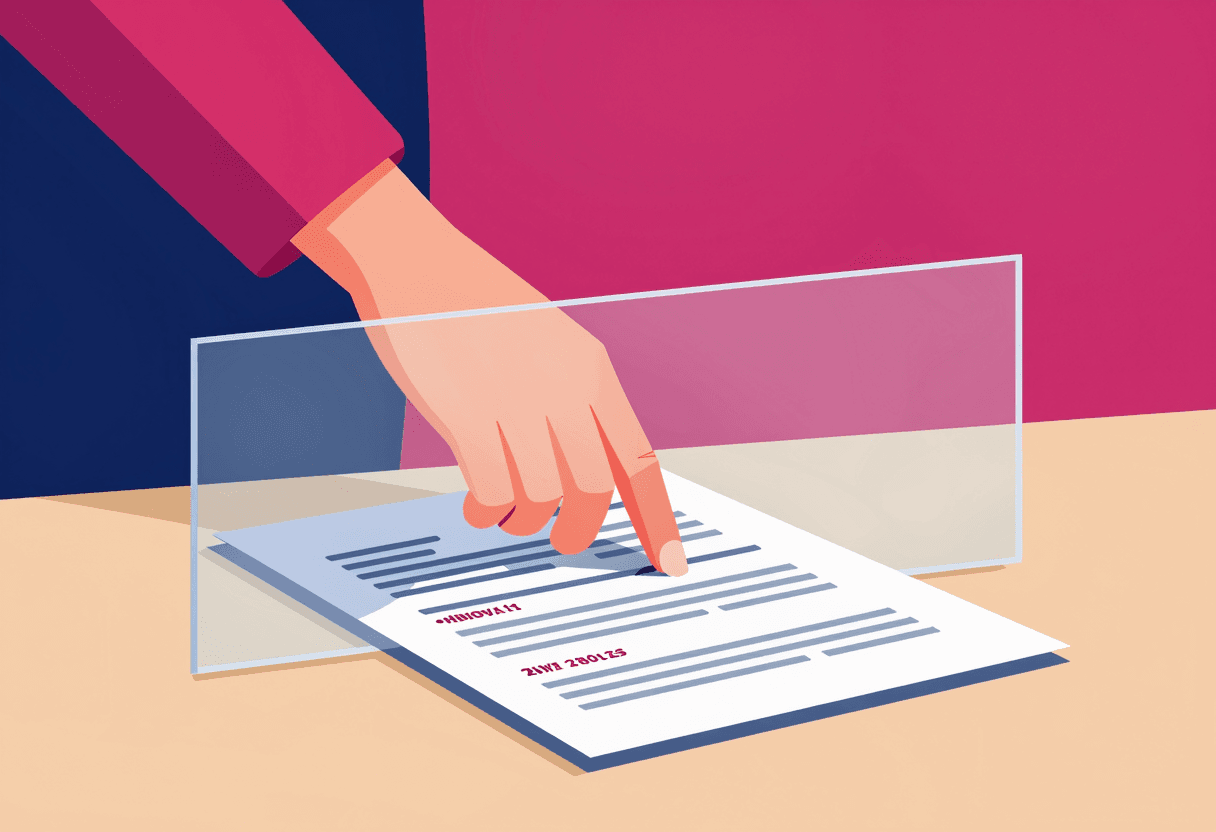
The average free resume builder lets you input your information, preview a template, and then slams a paywall the moment you try to download. According to a 2025 survey of 500 job seekers, 73% felt misled by platforms advertising as 'free' when the final PDF cost $25-40. That's not a free resume builder. That's a free data entry form with a ransom note at the end.
Here's what most platforms actually offer without payment: access to basic templates, a text editor with spell check, and the ability to save your work to their servers. The download itself? Paywalled. Want to customize fonts or margins? Paywalled. Need to export as a Word doc instead of PDF? You guessed it.
The business model is simple: get you invested in building your resume, then charge when you're too committed to start over. It's effective, but it's not what most people mean when they search for a free resume builder.
What You Actually Get With Paid Resume Builders
Paid tiers typically range from $19.99 for a one-time download to $89.99 for annual subscriptions with unlimited edits. The question isn't whether these features exist — it's whether you need them.
Premium Features That Actually Matter
- ATS optimization tools: Keyword scanners that compare your resume against job descriptions. Useful if you're applying to large companies with automated screening, less critical for startups or networked opportunities. Learn more about what makes a resume ATS-friendly.
- Multiple format exports: PDF, Word, plain text. Worth it if you're applying internationally or to systems with specific file requirements.
- Cover letter builders: Bundled tools that match your resume formatting. Saves time but rarely worth paying for alone — most roles don't require covers anymore.
- Professional template libraries: 50+ designs versus the 3-5 free options. Matters for creative fields where visual polish signals competence. Overkill for most corporate roles.
- Real-time content feedback: AI suggestions for stronger action verbs, quantified achievements, and common resume mistakes. Genuinely helpful for early-career professionals who haven't internalized resume conventions.
Premium Features That Are Marketing Fluff
- LinkedIn profile optimization: Usually just generic tips you could find in any LinkedIn headline guide.
- Interview prep modules: Canned questions and stock answers that don't account for your industry or level.
- Job search tracking: Spreadsheets work fine. Don't pay for a glorified database.
- Resume distribution services: Spamming your resume to job boards rarely works and can hurt your brand if done poorly.
The resume builder cost calculation should be simple: does this feature solve a specific problem I have right now? If you can't name the problem, you don't need the upgrade.
When Paying Actually Makes Sense
There are exactly four scenarios where a paid resume builder is worth the money:
- You're applying to 50+ roles at large corporations with ATS systems. The keyword optimization and formatting checks pay for themselves if they get you past one automated screen. A single interview at a company paying $80K+ justifies the $30 investment.
- You're changing careers and need content guidance. Real-time feedback on how to frame transferable skills is valuable when you don't have a template to follow. See our career change resume strategies for what to look for.
- You're in a visual field where design quality matters. If you're applying for roles in design, marketing, or creative industries, a premium template can demonstrate aesthetic judgment. For everyone else, clean and readable beats fancy every time.
- You need multiple versions for different audiences. If you're tailoring resumes for technical roles versus management tracks, or US versus international applications, unlimited downloads and easy editing justify the subscription cost.
If none of these apply, you probably don't need to pay. A basic template, careful proofreading, and thoughtful content will outperform a fancy paid builder used carelessly.
The best resume builder is the one you'll actually use to create a clear, honest document that makes it easy for a hiring manager to see why you're qualified. Everything else is optimization at the margins.
The Rare Exception: Genuinely Free Downloads
A handful of platforms actually let you download without paying. Google Docs and Word templates are free but require design skills most people don't have. Canva offers free resume templates but exports include watermarks unless you upgrade. Top Candidate's resume builder is one of the few that offers genuinely free PDF downloads, including with premium templates — no watermark, no paywall, no subscription required.
Why does this matter? Because the download is the only part that actually affects your job search. You can spend hours perfecting your resume in a beautiful interface, but if you can't get it in front of a hiring manager without paying, the platform hasn't delivered on its promise.
How to Evaluate Any Resume Builder
Before you commit time to any platform, paid or free, run through this checklist:
- Can you download a PDF without paying? If not, it's not actually free.
- Are the templates ATS-friendly? Fancy graphics and tables break parsing systems. Stick to single-column layouts with standard fonts. Our ATS formatting guide covers the technical requirements.
- Does it let you customize content easily? If changing a bullet point requires navigating three menus, you won't maintain it.
- Can you export in multiple formats? Some systems require Word docs, others plain text. Flexibility matters.
- Is your data portable? Can you export your content if you want to switch platforms later?
- What happens after your subscription expires? Do you lose access to your own resume?
The question is resume builder worth it depends entirely on what 'it' costs. If it costs three hours of data entry plus $40 for a download you could have gotten free elsewhere, no. If it costs an hour of your time and solves a specific problem in your job search, maybe. If it's genuinely free and saves you formatting headaches, absolutely.
What Most People Actually Need
After reviewing hundreds of resumes across industries, the pattern is clear: most job seekers don't need premium features. They need a clean template, clear guidance on content, and the discipline to tailor their resume for each application.
The resume itself is a commodity. What matters is the thinking behind it: which accomplishments to highlight, how to frame your experience for the role you want, whether your narrative makes sense to someone who's never met you. No paid feature can do that thinking for you.
Where paid tools help is in execution speed and technical optimization. If you're applying to 100 jobs and need to generate variations quickly, or if you're targeting ATS-heavy industries and want automated keyword matching, the time savings justify the cost. But if you're applying to 10 carefully selected roles and have time to customize manually, free tools work fine.
Here's the honest assessment: most people searching for a free resume builder should use a genuinely free one. Build your resume, download it, and invest your money in things that actually move the needle — like professional development, networking events, or taking time off work to prepare for interviews.
If you're in one of the four scenarios where paying makes sense, spend the money. But spend it knowing exactly what problem you're solving. Don't pay for features you won't use or outcomes the tool can't deliver.
Build and download your resume free — no paywall, no watermark.
Learn moreFrequently asked questions
Are free resume builders any good?+
Yes, if they actually let you download without paying. Most 'free' builders lock downloads behind paywalls. The few genuinely free options work fine for most job seekers — you don't need premium features unless you're applying to 50+ ATS-heavy roles or need design polish for creative fields.
Should I pay for a resume builder?+
Only if you're applying to many large companies with ATS systems, changing careers and need content guidance, working in a visual field where design matters, or creating multiple versions for different audiences. For most people, a free builder with a clean template is sufficient.
What's the difference between free and paid resume builders?+
Paid builders typically offer ATS optimization tools, premium templates, multiple export formats, and real-time content feedback. Free builders offer basic templates and editing. The catch: most 'free' builders charge for downloads, making them effectively paid tools with a deceptive marketing angle.
How much do resume builders cost?+
One-time downloads range from $19.99 to $39.99. Annual subscriptions with unlimited edits run $49.99 to $89.99. Some platforms offer genuinely free downloads with no watermarks or paywalls — these are worth trying first before paying.
Can I build a professional resume without paying?+
Absolutely. Use a genuinely free resume builder that doesn't lock downloads, or create one in Google Docs or Word with a clean template. Professional quality comes from clear content and thoughtful formatting, not expensive software.
Written by
Sam HarrisonCareer Strategist
Senior career strategist and HR consultant. 15+ years advising executives and large organizations.